235. GEMINI
- 获取 Project ID (
GOOGLE_CLOUD_PROJECT), 访问地址: https://console.cloud.google.com/
登录后,在页面顶部可以看到你的项目名称和ID。如果你有多个项目,请确保复制的是你打算用于 Gemini的那个项目的 ID。

获取 API Key (
GEMINI_API_KEY), 访问地址: https://aistudio.google.com/apikey在生成 API Key 时,请确保其关联的 Google Cloud 项目与上一步获取的 Project ID完全一致。如果列表有多个项目,请务必选择正确的项目再创建新的 API Key。
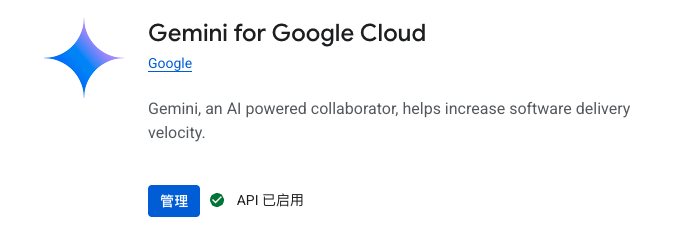
开启 Gemini for Google Cloud API 服务, 访问地址: 见错误提示, 类似于
1
2
3
4
5
6
7
8
9
10
11
12https://console.developers.google.com/apis/api/cloudaicompanion.googleapis.com/overview?project=xxxxxx then retry. If you enabled this API recently, wait a few minutes for the action to propagate to our systems and retry.",
"errors": [
{
"message": "Gemini for Google Cloud API has not been used in project xxxxxxx before or it is disabled. Enable it by visiting
https://console.developers.google.com/apis/api/cloudaicompanion.googleapis.com/overview?project=xxxxxxx then retry. If you enabled this API recently, wait a few minutes for the
action to propagate to our systems and retry.",
"domain": "usageLimits",
"reason": "accessNotConfigured",
"extendedHelp": "https://console.developers.google.com"
}
],
...打开网址
https://console.developers.google.com/apis/api/cloudaicompanion.googleapis.com/overview?project=xxxxxxx